
Course Graphics & Design
Course graphics include any type of visual illustration created for an online course. Though most of the designs Jackie creates are course homepage banners, she also created other types of graphics to enhance online courses. Below you’ll find examples of graphics as well as how graphics were implemented into Instructure Canvas.
Graphics













Course Content Layouts
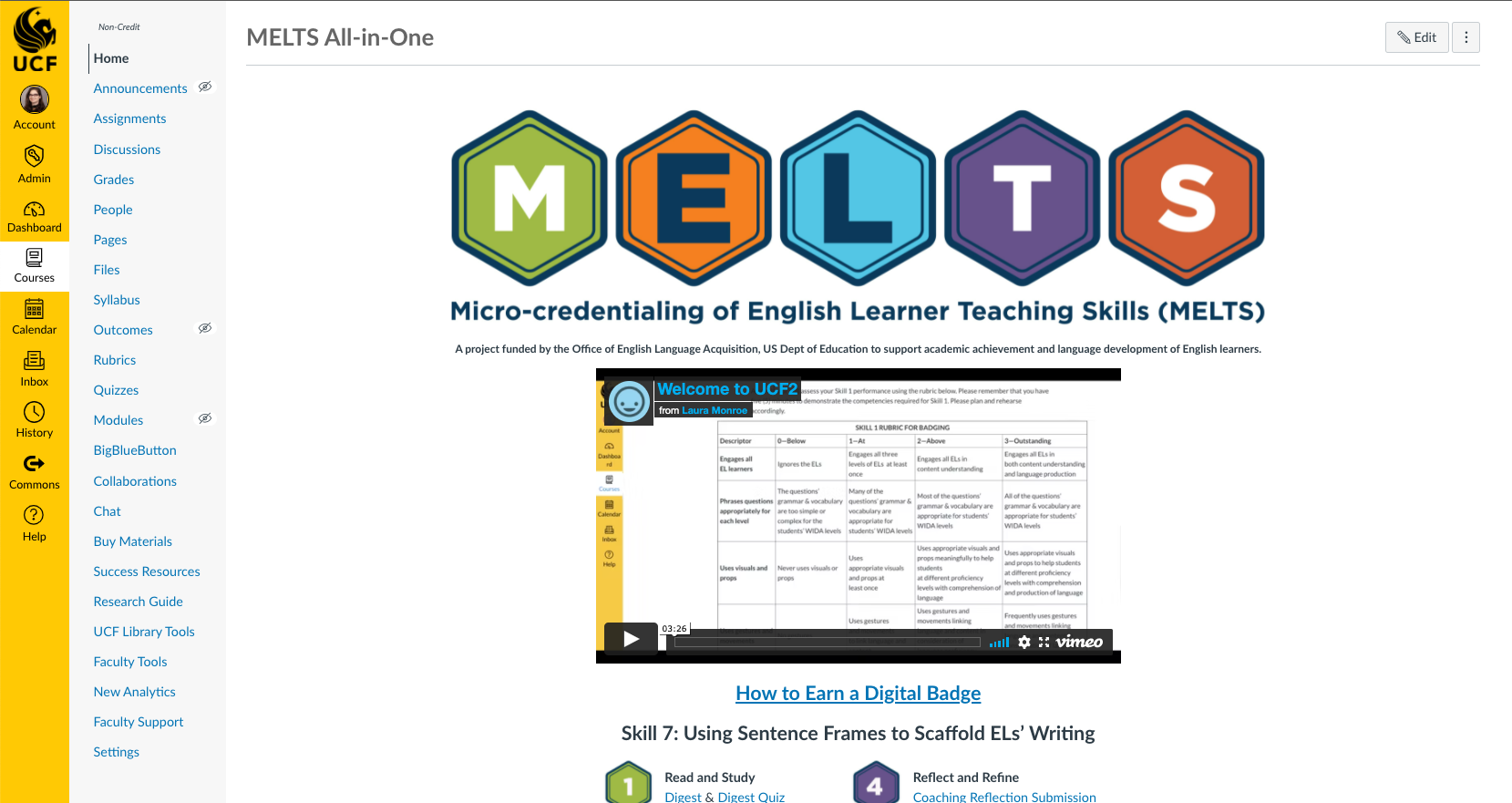
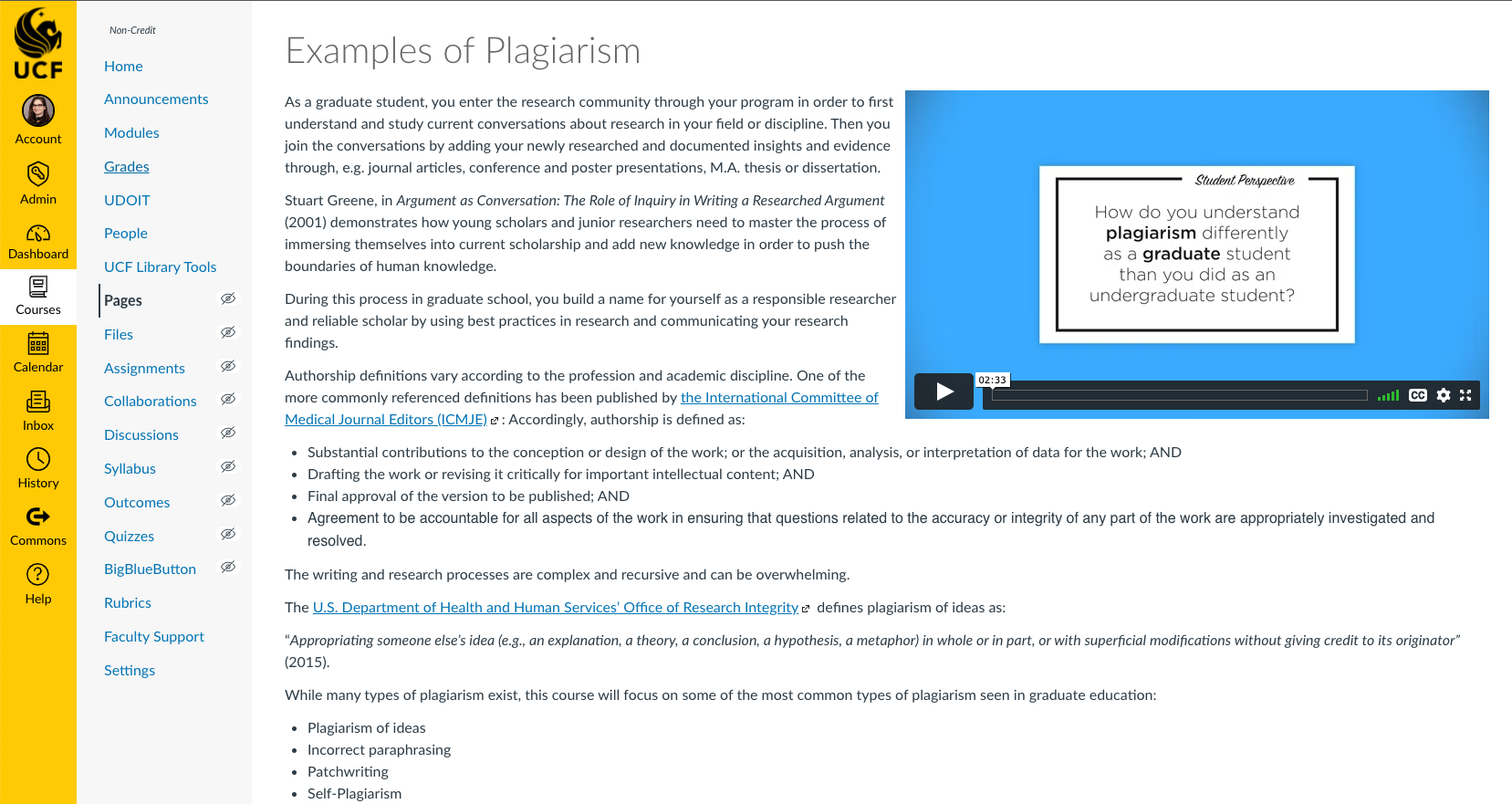
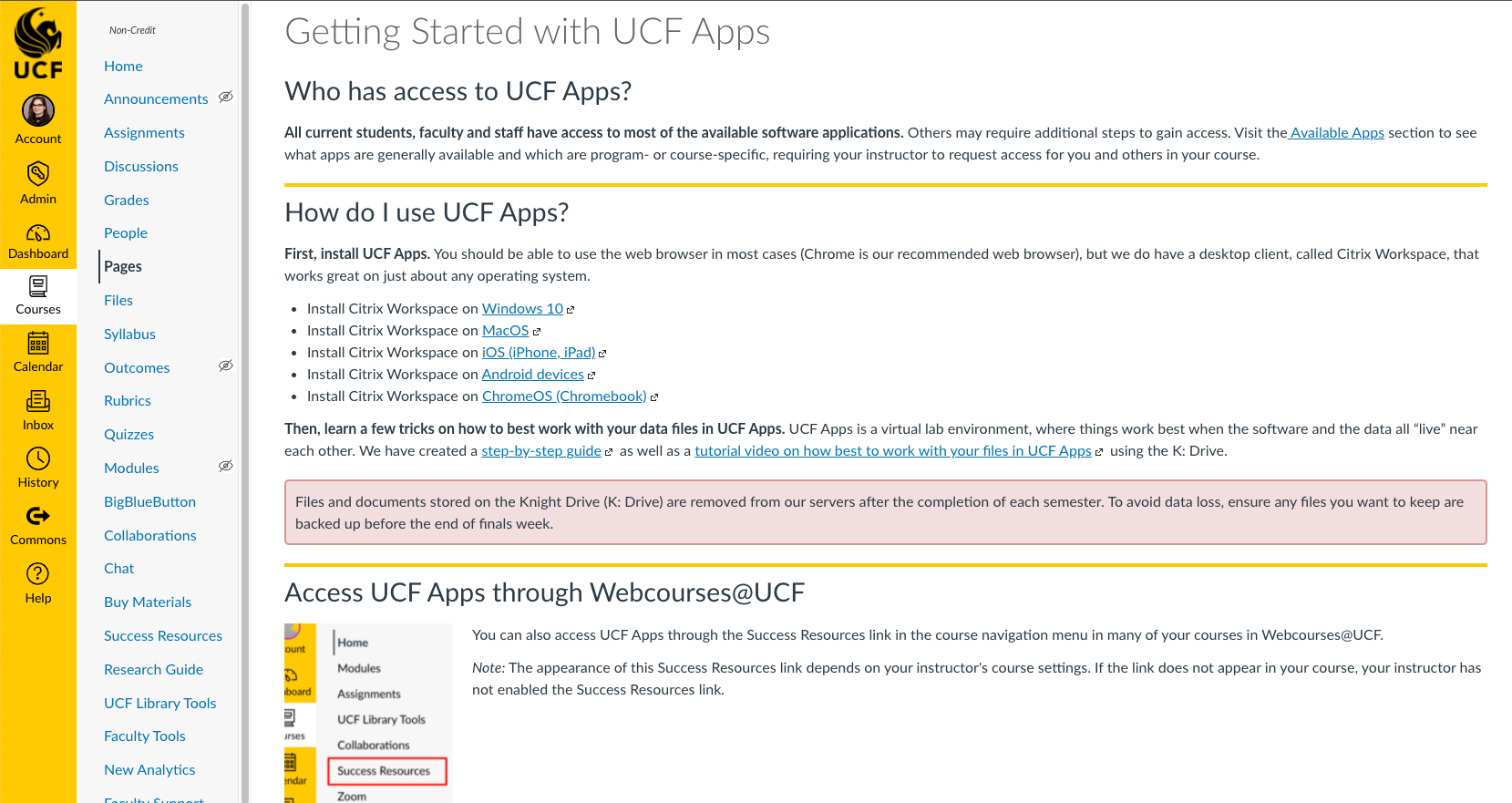
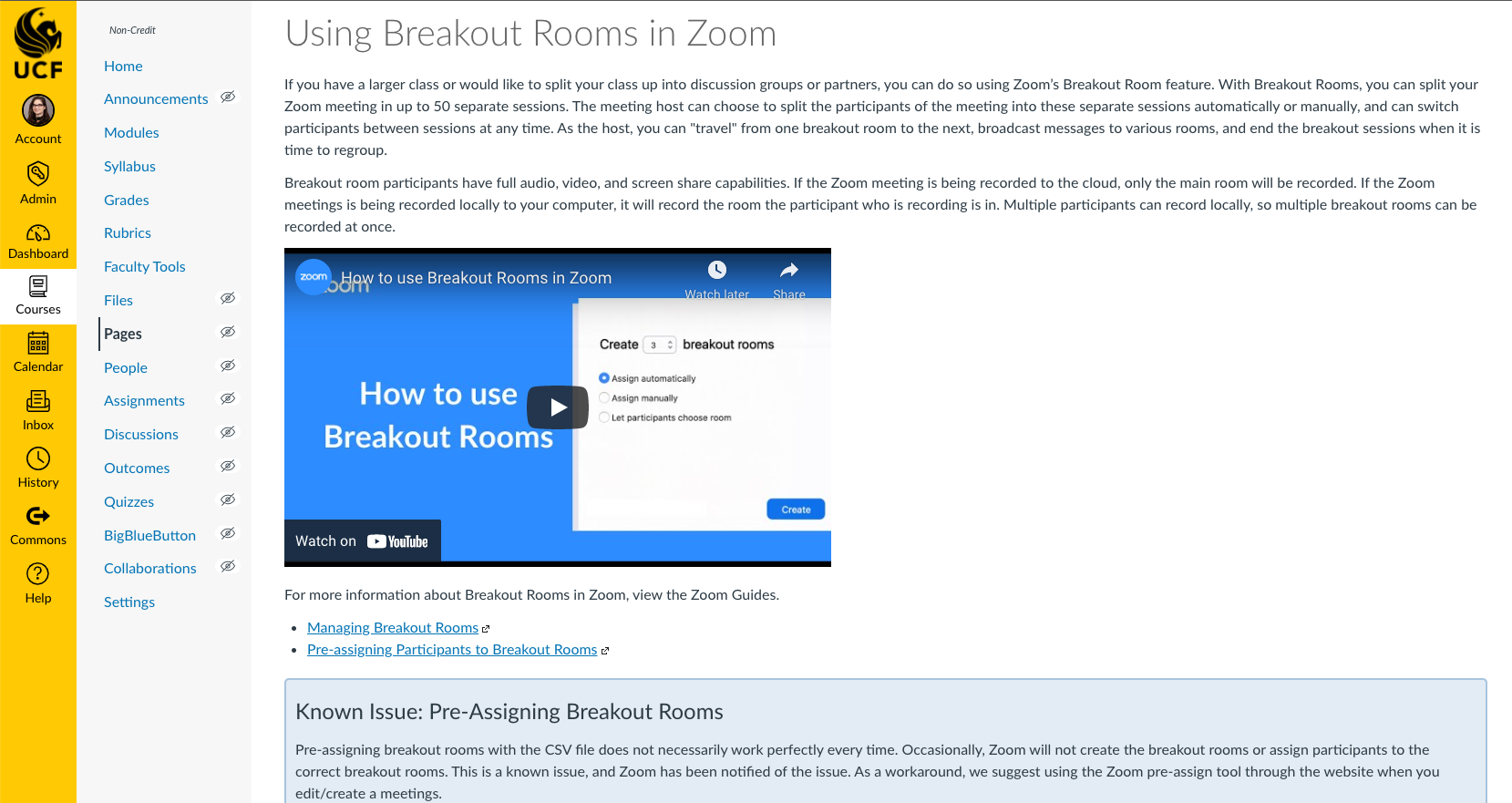
The images below depict live courses created in Instructure Canvas at the University of Central Florida. Many of the layouts include custom HTML code for visual appearance, page organization, and learner interaction.
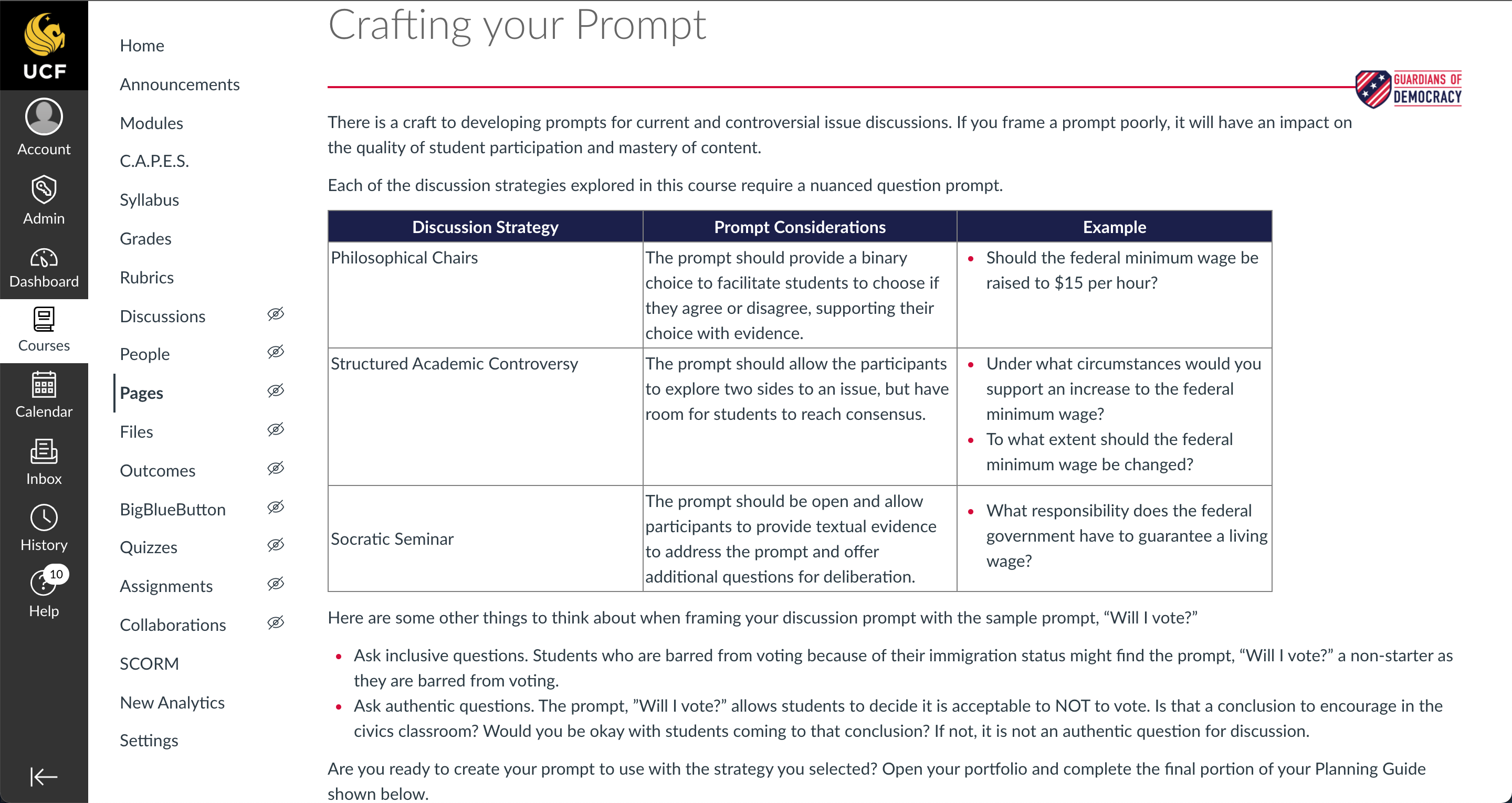
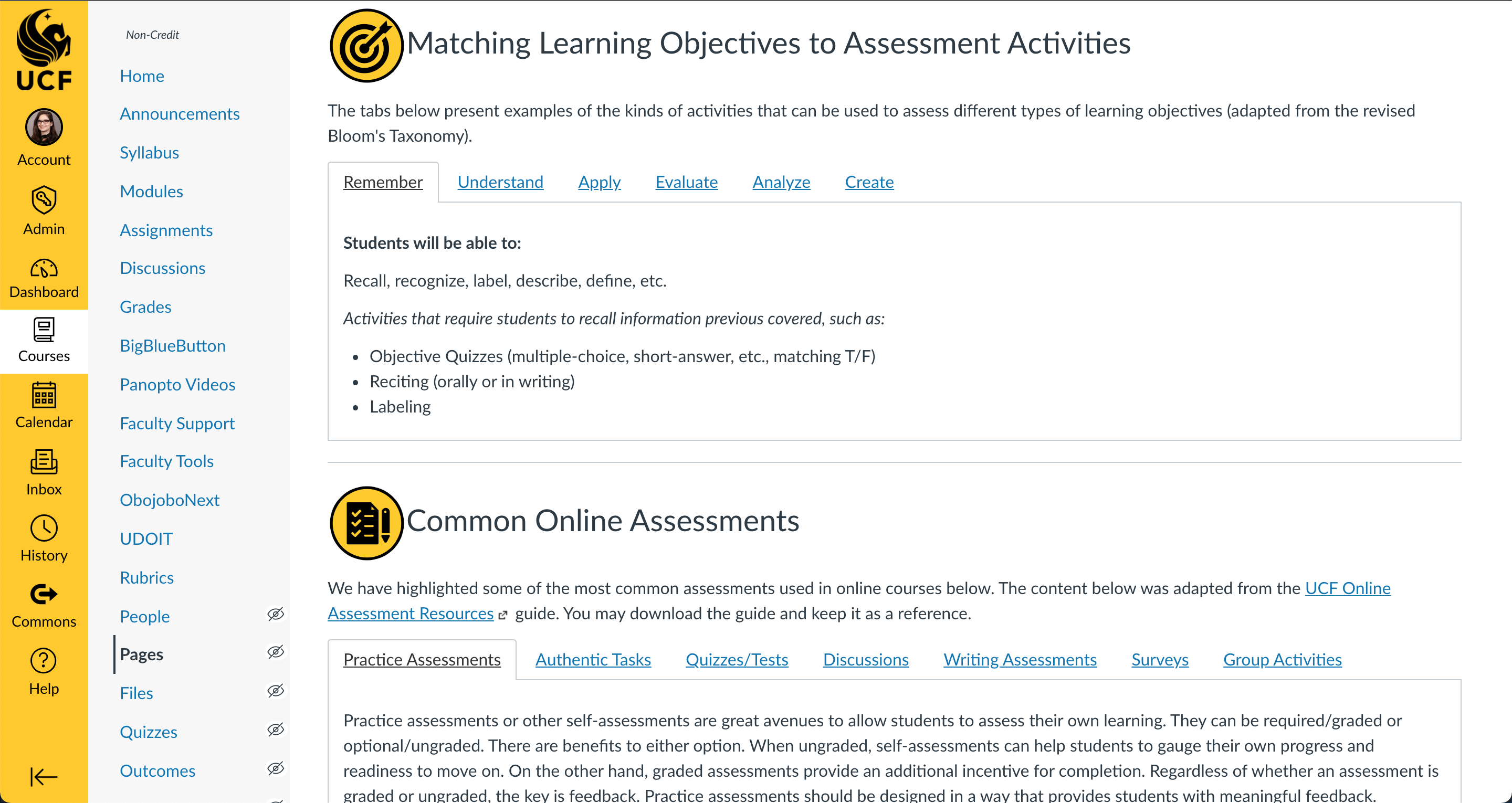
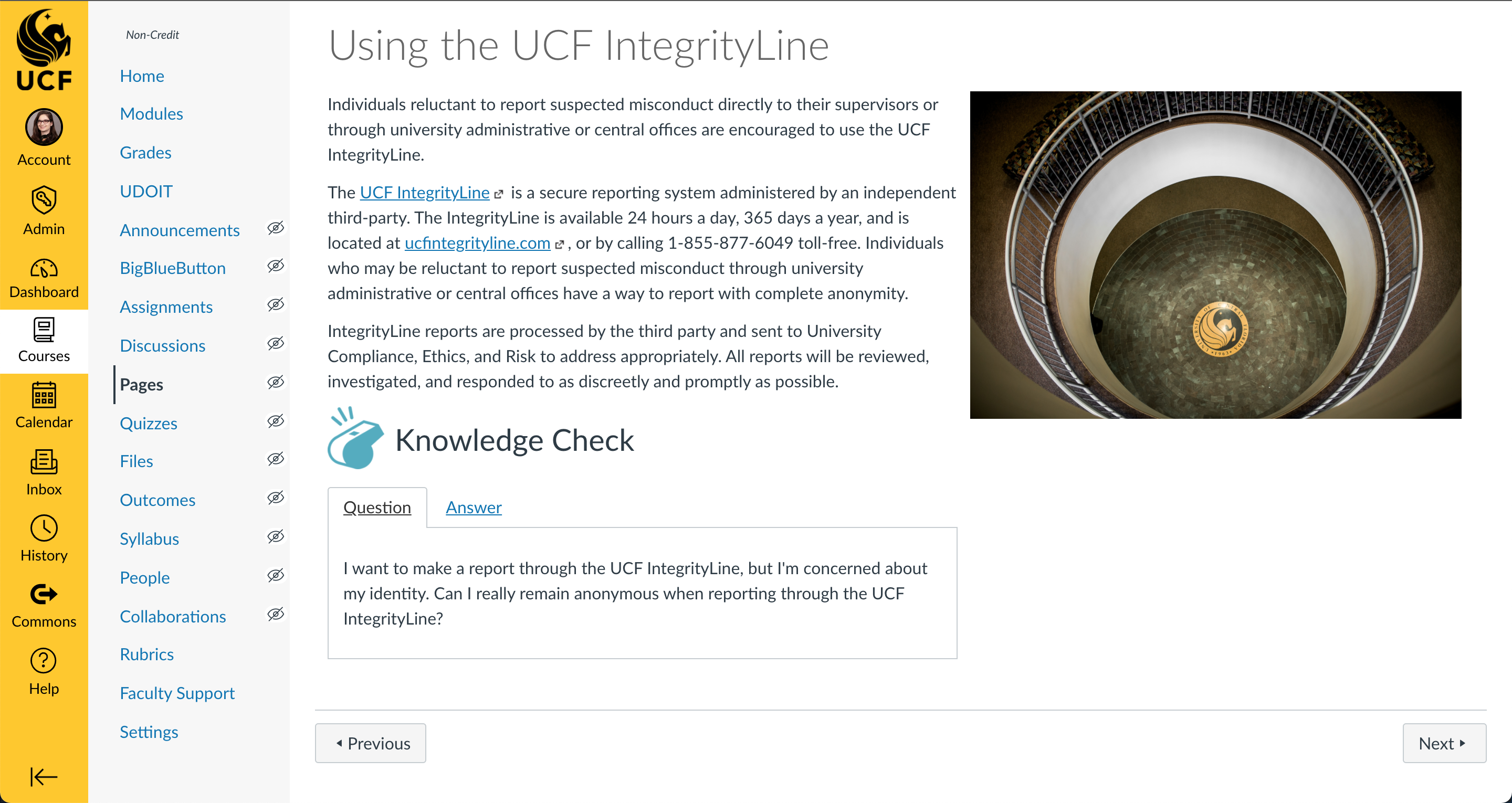
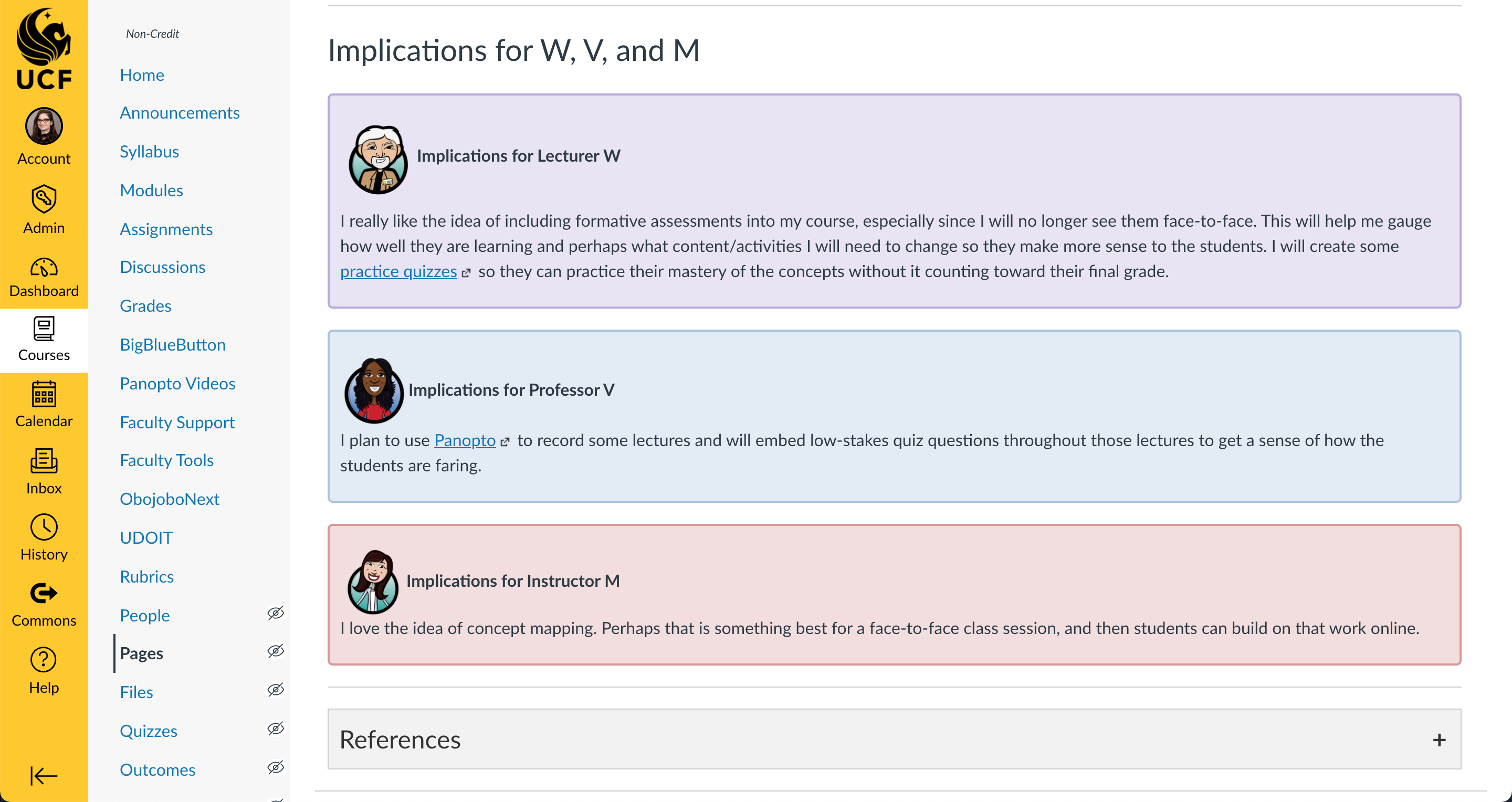
Courses by Subject Areas
Jackie has developed courses of various topics and disciplines, including:
- Academic integrity for incoming undergraduate, graduate, and medical students
- Graduate-level plagiarism awareness
- Faculty development training
- Facilitating a pre-built online or blended course
- Creating a new online or blended course
- Transitioning to emergency remote instruction (regardless of original course modality)
- Learning management system technical training
- Lecture capture and synchronous video training
- Teaching assistant training
- Campus security authority training (Clery Act)
- Faculty, staff, and student orientations
- Guardians of Democracy, a multi-course civics education program for K6 educators across the United States
- Civic Literacy placement exam
- Faculty Senate training
- CobbleStone (contract management)
- University compliance training
- HIPAA training
- Title IX training
- Florida Code of Ethics
- Youth Protection Program
- HR updates
- Employee Code of Conduct
- PageUp
- PeopleSoft
- Online mentoring courses
- Utility cart safety
Course Design In Action
HTML Drag-and-Drop Activity
This short video depicts a drag-and-drop activity that was created using custom images and HTML code in Instructure Canvas.
Articulate Rise
Preview a short demo course developed in Articulate Rise that focuses on important accessibility standards in online course design.